If you are building an IoT project today, one of the biggest challenges is finding a platform that is easy to use, affordable, flexible enough for real-world projects, and very minor support for customizations in original platform.
Many developers start with traditional IoT platforms, but soon they face common issues such as:
- Higher monthly subscription costs
- Vendor lock-in
- Limited backend control
- Difficulty scaling to many devices
- Limited support for platform customizations
This is exactly where SwitchLink comes in.
Unlike many other platforms, SwitchLink gives you ,full control over your data and infrastructure, while keeping the user experience extremely simple.
What is SwitchLink?
SwitchLink is a modern IoT platform designed to make real-time device monitoring and control simple, affordable, scalable, and fully customizable.
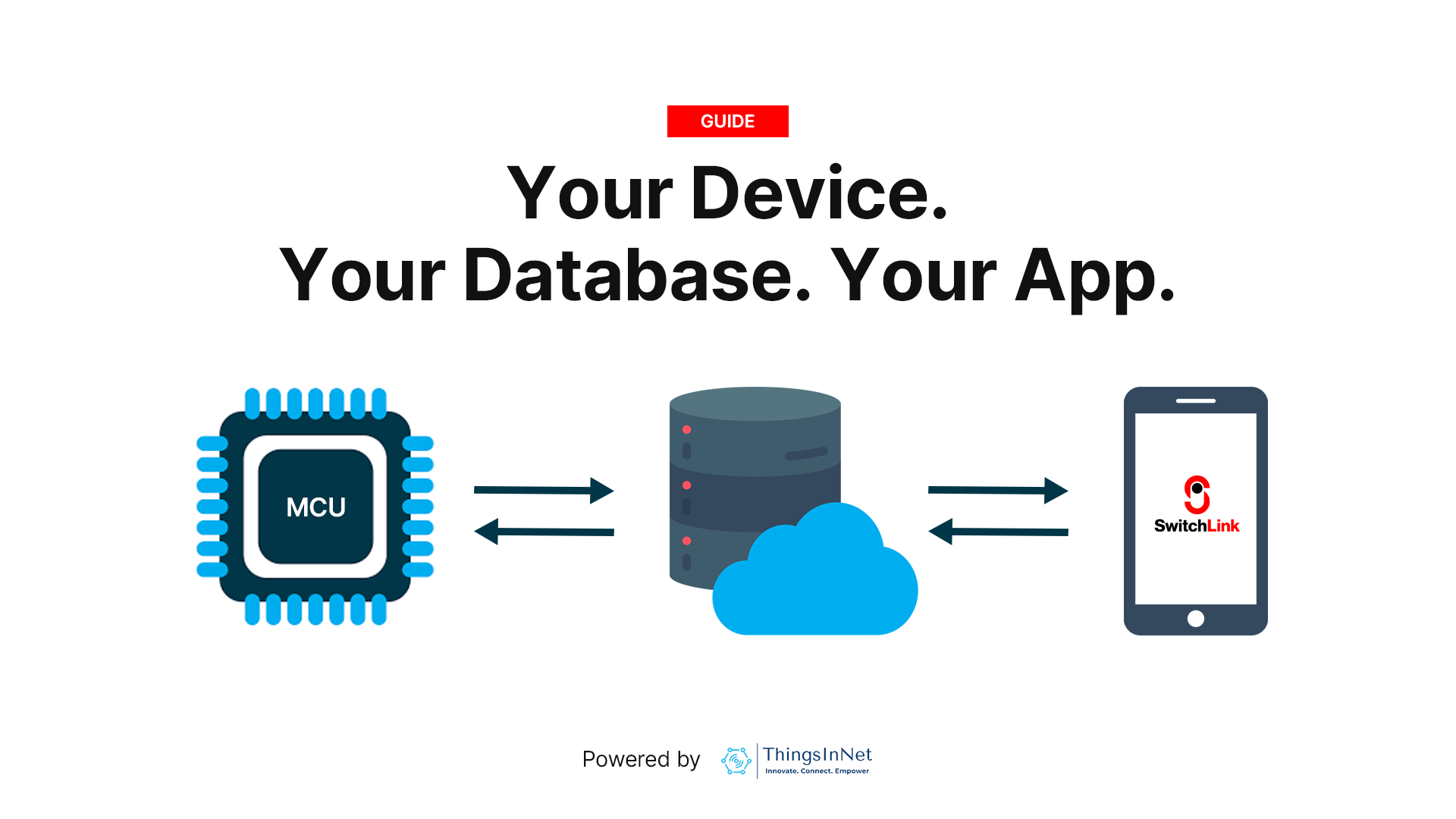
In simple words, SwitchLink helps your device talk to your own cloud database and mobile app in real time.
The core idea is simple: your device + your database + your app = your IoT system
This gives you:
- Full cloud ownership
- Real-time control
- Automatic mobile UI generation
- Lower recurring costs
- Better scalability
At only $3 per month or $24 annually, it is designed to be highly affordable for:
- Technicians
- Engineers
- Researchers
- Students
- Startups
- Small businesses
- Industrial prototypes
The Three Main Parts of SwitchLink
1) Hardware Device
This is the physical IoT device or MCU.
Typical examples include:
- ESP32
- ESP8266
- Raspberry Pi
- STM32
- Other compatible microcontrollers (with internet access)
These devices connect to sensors and actuators such as:
- LEDs
- Relays
- Pumps
- Temperature sensors
- Humidity sensors
- Buttons
- Any other sensors and actuators
SwitchLink is hardware-flexible, which means it can work with most MCU-based systems.
2) Firebase Realtime Database
This is the heart of SwitchLink.
Instead of a vendor-controlled cloud, SwitchLink uses your own Firebase Realtime Database.
This means:
- Your credentials
- Your database
- Your security rules
- Your data
remain fully under your control.
Firebase enables real-time two-way communication, which means updates appear instantly between the device and the mobile app.
For example:
- Sensor sends temperature → App updates immediately
- User taps switch in the App → Relay changes instantly
This real-time sync is one of the biggest strengths of the platform.
3) Mobile App / Dashboard
The interface users see.
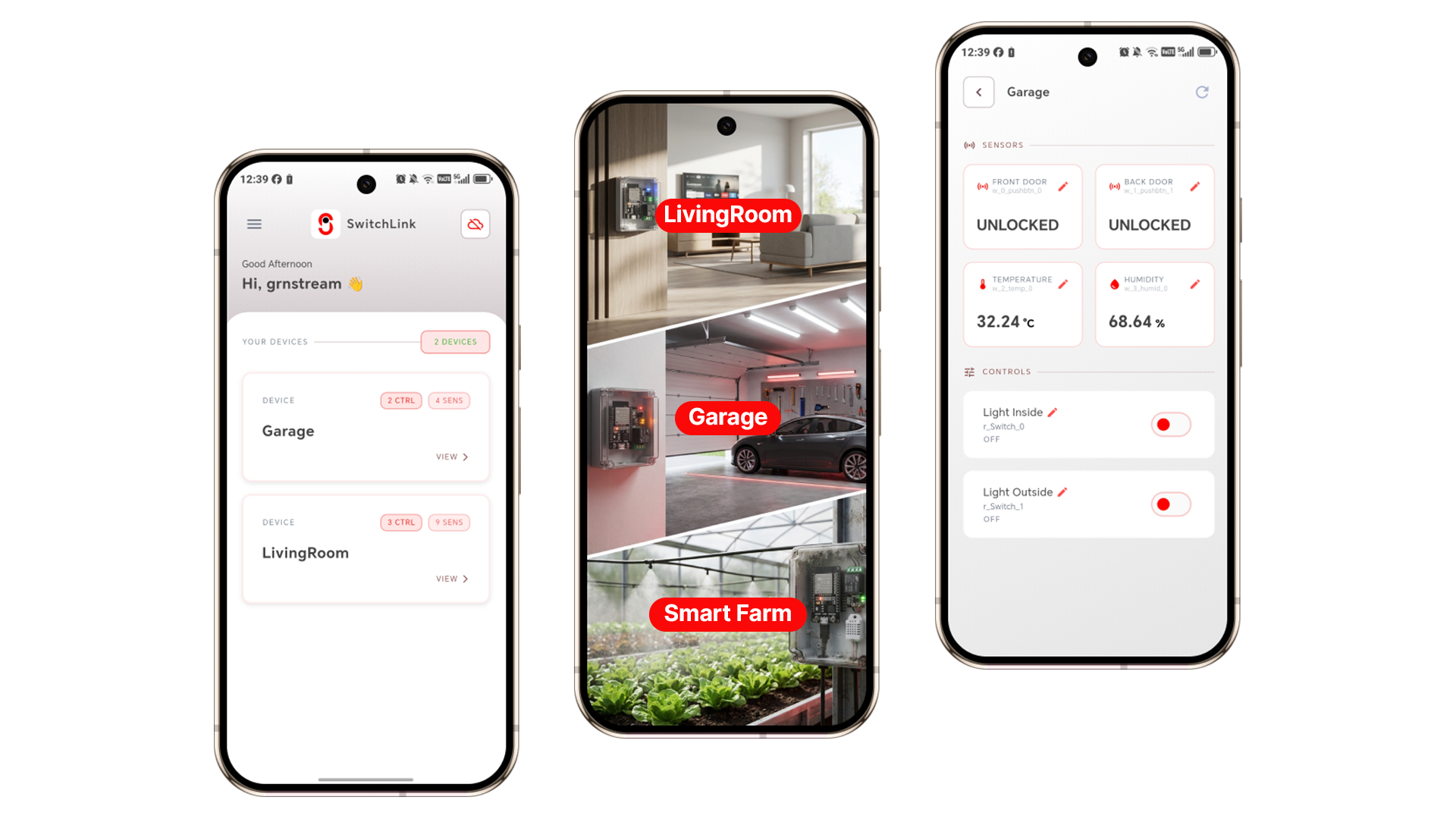
SwitchLink automatically creates the UI based on variable names stored in Firebase.
For example:
w_relay1→ ON/OFF switchr_temperature→ temperature displayr_humidity→ humidity card
This means you do not need to manually design dashboards every time.
The app intelligently builds the interface.
How SwitchLink Works
The flow is very simple.
Device → Firebase → Mobile App
Mobile App → Firebase → Device
This creates two-way real-time communication for reading data and controlling devices.
• Read Data
A temperature sensor connected to ESP32 sends:
r_temperature = 28.5This value is instantly updated in Firebase and then the mobile app immediately shows:
Temperature: 28.5°C
• Control Device
The user taps a switch in the app.
This writes: w_relay1 = 1
w_relay1 = 1The ESP32 reads the updated value and turns ON the relay. This is ideal for controlling devices such as Pumps, Lights, Fans and Motors etc.
Why SwitchLink Is Different
This is where SwitchLink becomes special.
1) Very Affordable
One of its biggest advantages is pricing.
Pricing
- Free - with ads
- $3/month
- $24/year
Compared to many IoT platforms that start much higher, this makes it extremely accessible.
2) No Vendor Lock-In
This is one of the strongest technical advantages.
Because it uses your own Firebase project, you fully own:
- Data
- Cloud
- Access
- Scaling
This gives long-term freedom.
3) Auto UI Generation
This is one of the smartest features.
The UI automatically builds itself using naming convention.
Examples:
- w_ = writable control
- r_ = read-only data
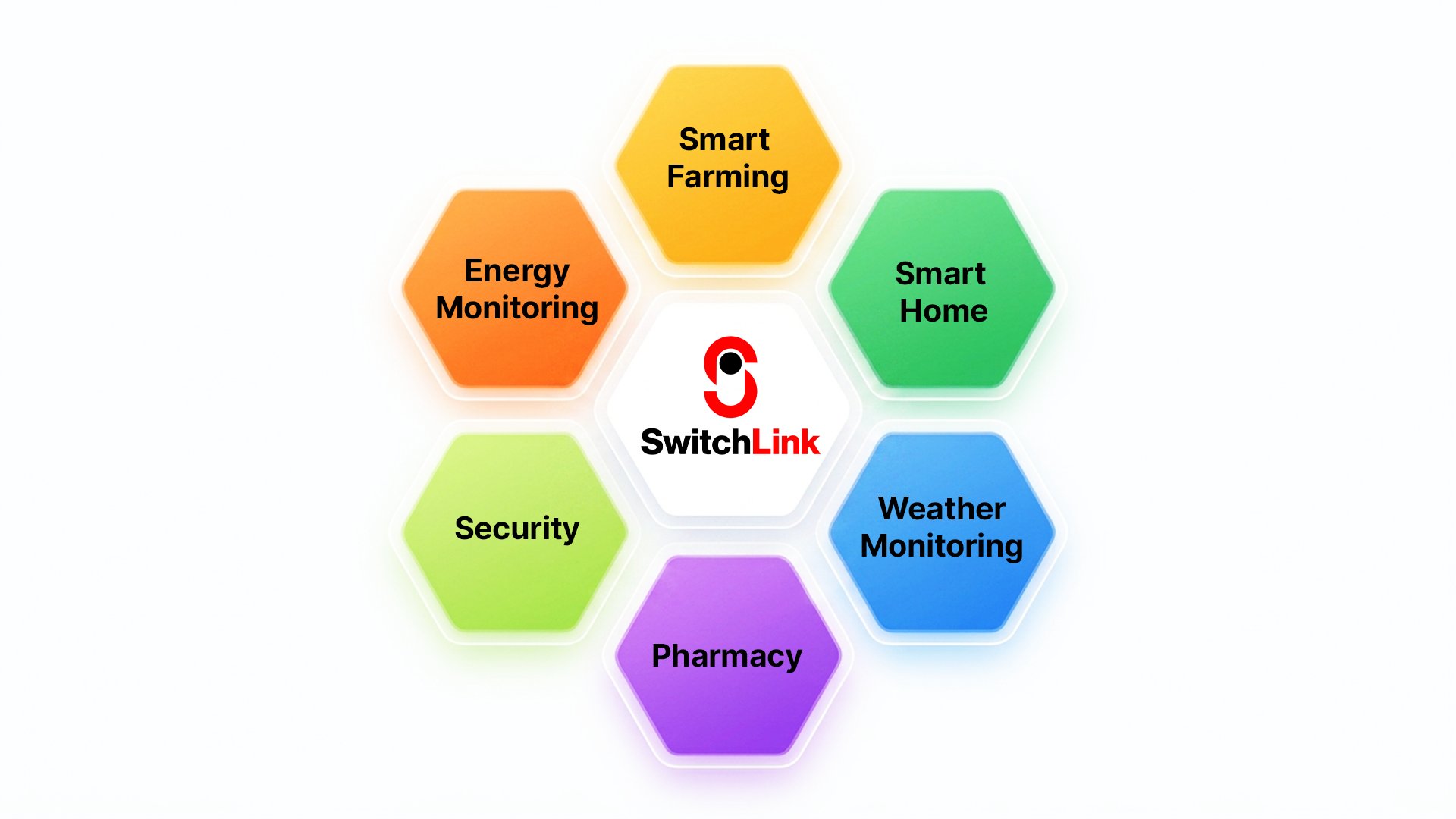
4) Perfect for IoT system developers
The excellent fields would be:
- Smart farming
- Smart homes
- Industrial monitoring
- IoT courses
- University labs
It helps users understand real IoT architecture and is suitable for real-world deployments.
Real-Life Use Cases
Final Thoughts
SwitchLink is built for modern IoT needs.
It combines:
- Affordability
- Real-time control
- Cloud ownership
- Scalability
- Simplicity
In simple words, SwitchLink helps you build smart IoT systems faster and at a much lower cost.
If you want an IoT platform that gives you full control without high monthly costs, SwitchLink is a smart choice. The SwitchLink team is also always available to customize solutions to meet your specific needs at affordable rates.