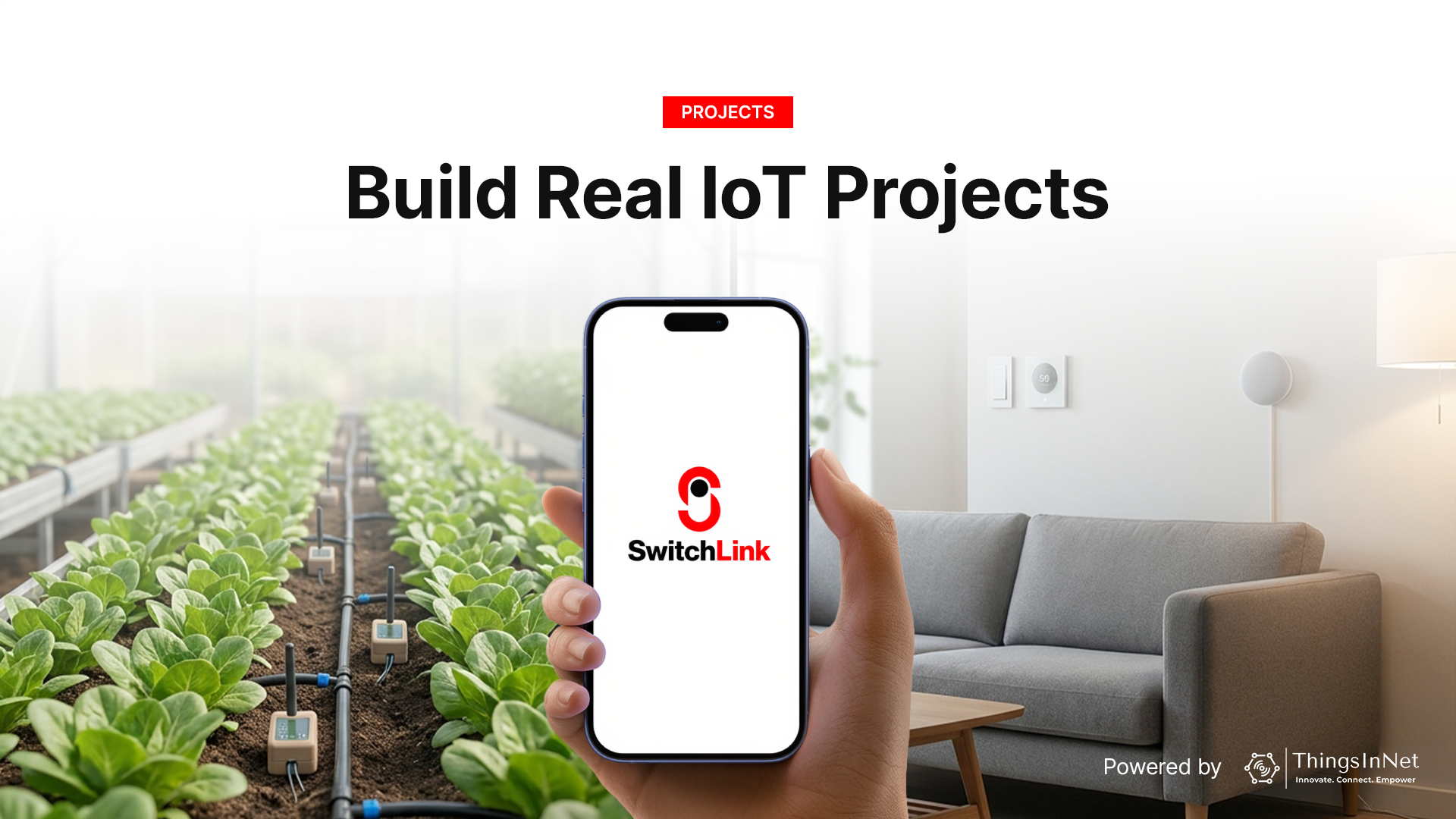
The Internet of Things is no longer limited to large enterprises. Today, students, startups, and hobbyists want to know how to build ESP32 IoT projects step by step. In this guide, we will explore how to connect ESP32 to Firebase dashboard infrastructures and implement real-world solutions.
With SwitchLink, building IoT projects becomes simpler through real-time cloud communication, automatic mobile dashboard generation, and full control over your own backend.
Whether you are learning IoT, developing a prototype, or deploying a real-world solution, here are five practical IoT projects you can build with SwitchLink.
1) Smart Home DIY ESP32 Project
A smart home DIY ESP32 project is one of the most popular ways to learn IoT. By combining the ESP32 microcontroller with SwitchLink, you can build an ESP32 wifi relay control Android app dashboard to control appliances such as:
- room lights
- ceiling fans
- smart plugs
- door sensors
- motion detectors
- temperature sensors
For example, a variable such as w_livingroom_light can automatically generate an ON/OFF control switch inside the app, while r_room_temp can display live room temperature.
This project is ideal for:
- home automation learning
- prototype demonstrations
- startup MVPs
- smart apartment systems
With support for ESP32 and ESP8266, deployment is fast and cost-effective.
2) Smart Irrigation System
Agriculture is one of the most impactful areas for IoT innovation. With SwitchLink, you can build a smart irrigation controller that monitors soil and automatically waters crops when moisture levels drop.
Typical components include:
- soil moisture sensor
- water pump relay
- water tank level sensor
- humidity and temperature sensors
- mobile control dashboard
For example:
- r_soil_moisture
- w_water_pump
- r_tank_level
This project is especially useful for:
- farms
- greenhouses
- research projects
- agricultural startups
It helps improve water efficiency and reduces manual intervention.
3) Pump Timer and Water Control System
A pump timer system is a highly practical IoT project for both home and industrial use. This project allows users to schedule pump operation for fixed durations.
Example use cases include:
- overhead water tank filling
- irrigation timing
- motor control
- timed fluid transfer
With SwitchLink, you can build features such as:
- manual ON/OFF control
- timer scheduling
- auto shutoff
- dry-run alerts
- tank overflow prevention
This is particularly valuable for smart farming and water management applications.
4) Classroom IoT Lab Project
SwitchLink is also an excellent platform for education and hands-on learning. Students can build classroom projects that demonstrate real-world IoT principles such as:
- cloud-device communication
- live sensor data
- mobile dashboards
- relay control
- real-time monitoring
A classroom project might include:
- LED control
- temperature sensor monitoring
- door security alert
- occupancy detection
This is ideal for:
- engineering colleges
- embedded systems courses
- IoT labs
- final-year projects
Because students interact directly with cloud architecture and devices, they gain practical experience beyond theory.
5) Factory Monitoring System
For industrial use cases, SwitchLink can be used to build a factory monitoring and alert system.
This project can track:
- machine temperature
- motor runtime
- vibration levels
- production counters
- energy usage
- equipment fault alerts
Example variables:
- r_machine_temp
- r_vibration
- r_runtime_hours
- w_machine_reset
This helps operators monitor equipment health in real time and respond quickly to issues.
It is highly suitable for:
- small factories
- workshops
- production lines
- industrial research labs
How to Build ESP32 IoT Projects Step by Step
If you want to know how to build ESP32 IoT projects step by step, the process is straightforward with SwitchLink:
- Setup hardware: Wire sensors or relays to your ESP32 board.
- Connect to Firebase: Program the ESP32 to connect to your Firebase database using our SDK.
- Auto-generate UI: Define database variables using our w_ (write) and r_ (read) prefixes.
- Monitor & Control: Open the SwitchLink app to view your automatically generated Firebase dashboard.
This simple step-by-step flow makes it easy to understand how to connect ESP32 to Firebase dashboard interfaces. What makes these projects easier with SwitchLink is the combination of real-time cloud communication, automatic UI generation, affordable deployment, hardware flexibility, and full backend ownership. Whether you are using ESP32, Raspberry Pi, or STM32, SwitchLink helps you move from idea to working prototype quickly.
Final Thoughts
IoT innovation starts with practical projects. From smart homes to industrial monitoring, SwitchLink gives developers and learners a flexible platform to build scalable real-world solutions.
The best way to learn IoT is to build it. And with SwitchLink, building becomes faster, simpler, and more accessible.
Start building smarter IoT projects with SwitchLink today.